Send any video from Safari to your TV.
Some players hide the AirPlay button. Others show one that connects for half a second and drops. Airlift adds a button where it is missing — and makes it work where it does not.

Streaming sites stopped handing Safari a video file. They fetch the stream in pieces and assemble it inside the browser. It plays fine on your Mac — but the video element has no address left to give your TV, so AirPlay has nothing to send.
Safari then either hides its AirPlay button, or shows one that connects and immediately falls back. Measured on the same page:
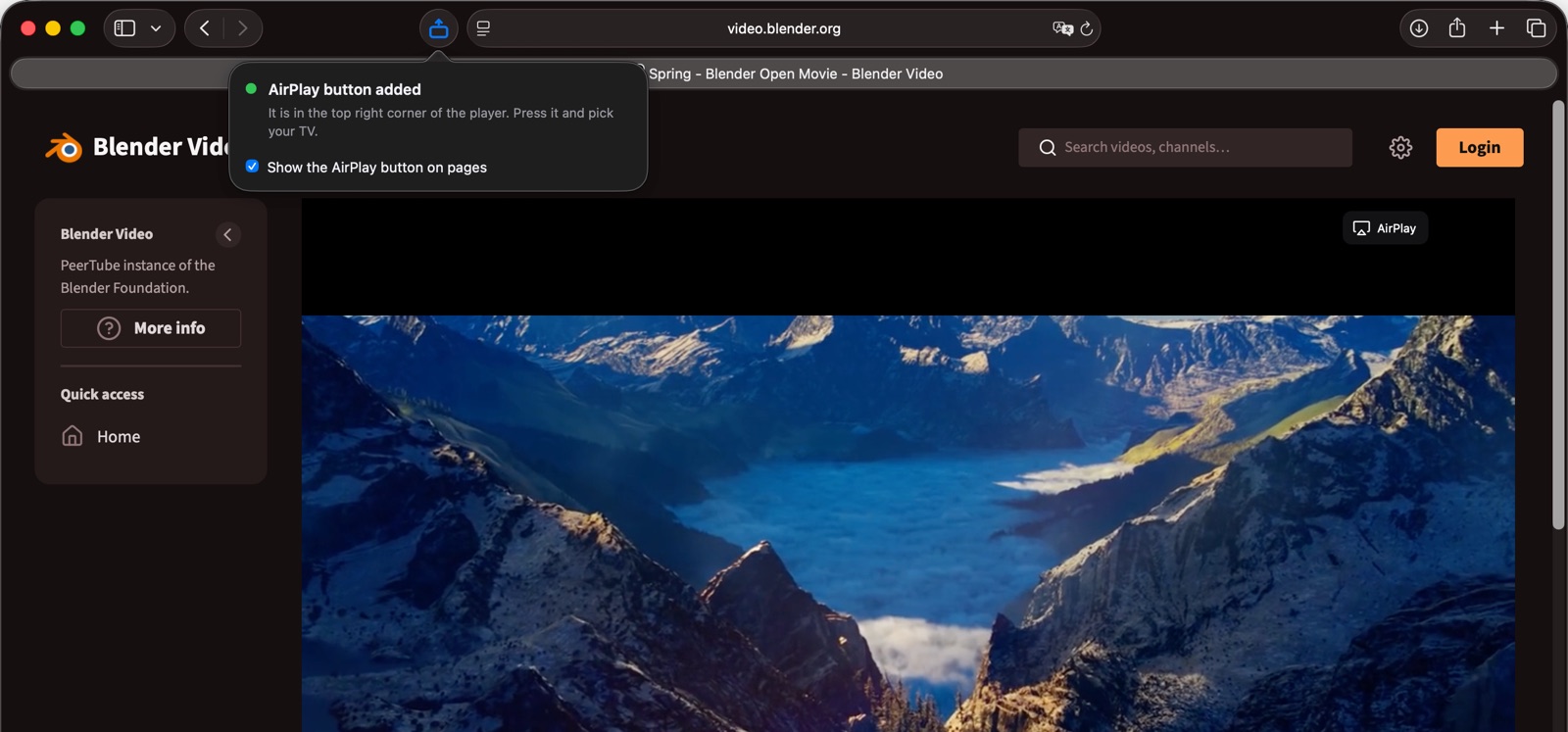
This is Blender’s own video site. Its player builds the stream inside the browser, so Safari offers no AirPlay button of its own.

The button appears where it is missing
Top right corner of the player, only while a receiver is on your network. It follows the player and steps aside when the video scrolls off screen.
It says what it found, in plain words
The panel in Safari’s toolbar tells you whether the button is there, and if it is not, which of the reasons on this page is to blame.
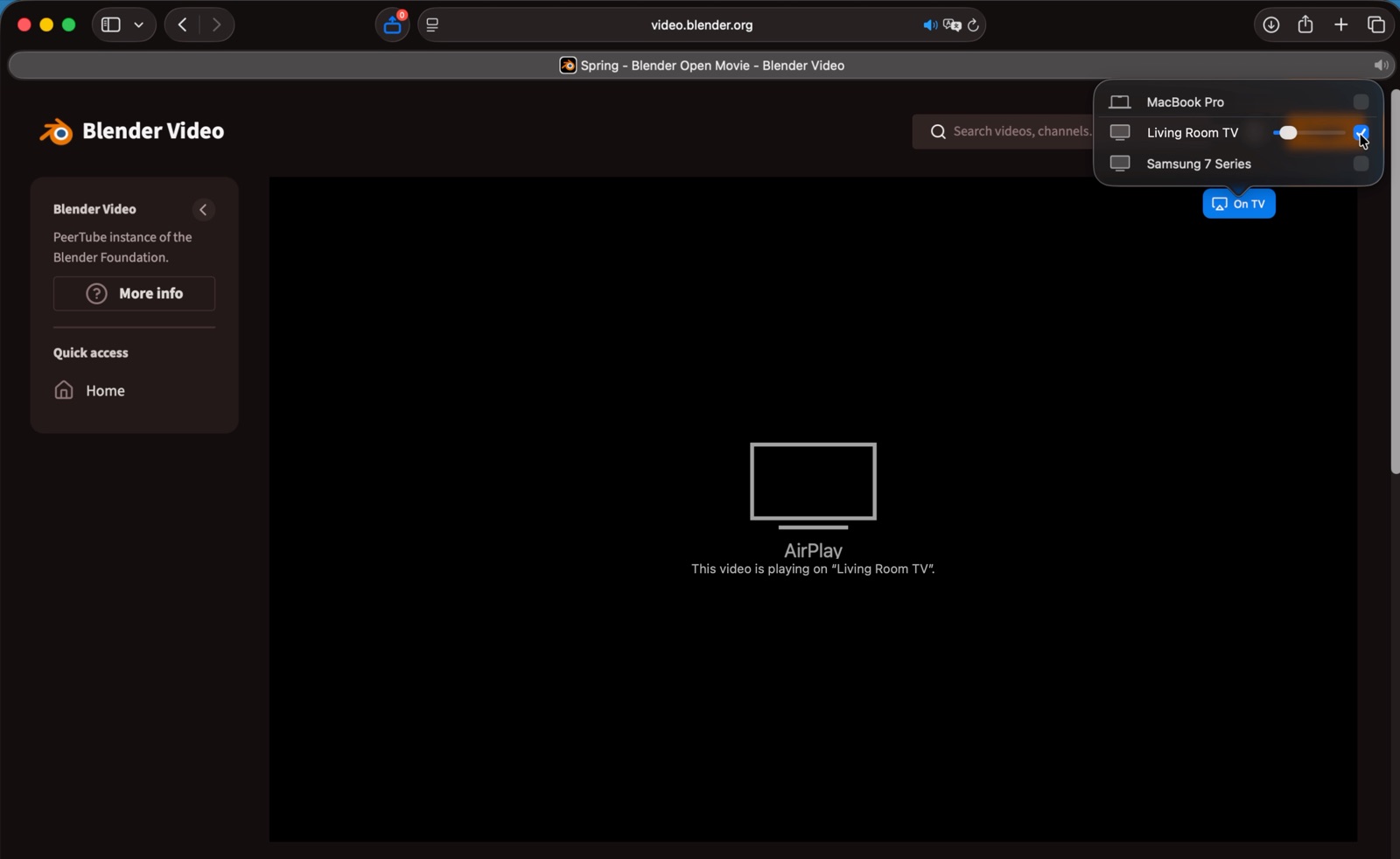
Press it, pick your TV
Airlift opens the same stream in a player Safari can hand to your TV. Same session, same quality, picking up exactly where you paused.
Finds the real player
A streaming page can carry two hundred frames and a hundred video elements, nearly all of them ads. Airlift scores them by size, duration and playback state, and picks the one you are actually watching.
Adds the button that is missing
It sits in the corner of the player, appears only when a receiver is on your network, and gets out of the way when the video scrolls off screen.
Opens the stream natively
Where the page assembles video in the browser, Airlift plays that same stream in a player Safari can hand to your TV — same session, same quality, resuming where you paused.
Steps aside when it should
If the player already has an AirPlay button that works, Airlift does not add a second one. You should not be able to tell it is installed until you need it.
Three cases are out of reach, and Airlift says so on screen rather than leaving you guessing.
Protected video
Paid services encrypt their streams. Those reach an Apple TV, but a Samsung or LG set cannot obtain the keys and will sit on a spinner. Airlift warns you first.
YouTube
Its player has its own AirPlay button and it works properly. Airlift stays quiet there and does not duplicate it.
DASH streams
A delivery format Safari cannot play on its own. Uncommon on the sites people watch, but real.
Nothing leaves your Mac.
No account. No analytics. No servers of any kind — there is nothing for Airlift to talk to.
It reads the page you have open to locate the video and the stream address the player already fetched. That address goes into Safari’s own player on your machine, and nowhere else.
Read the privacy policyThree steps, then forget it is there.
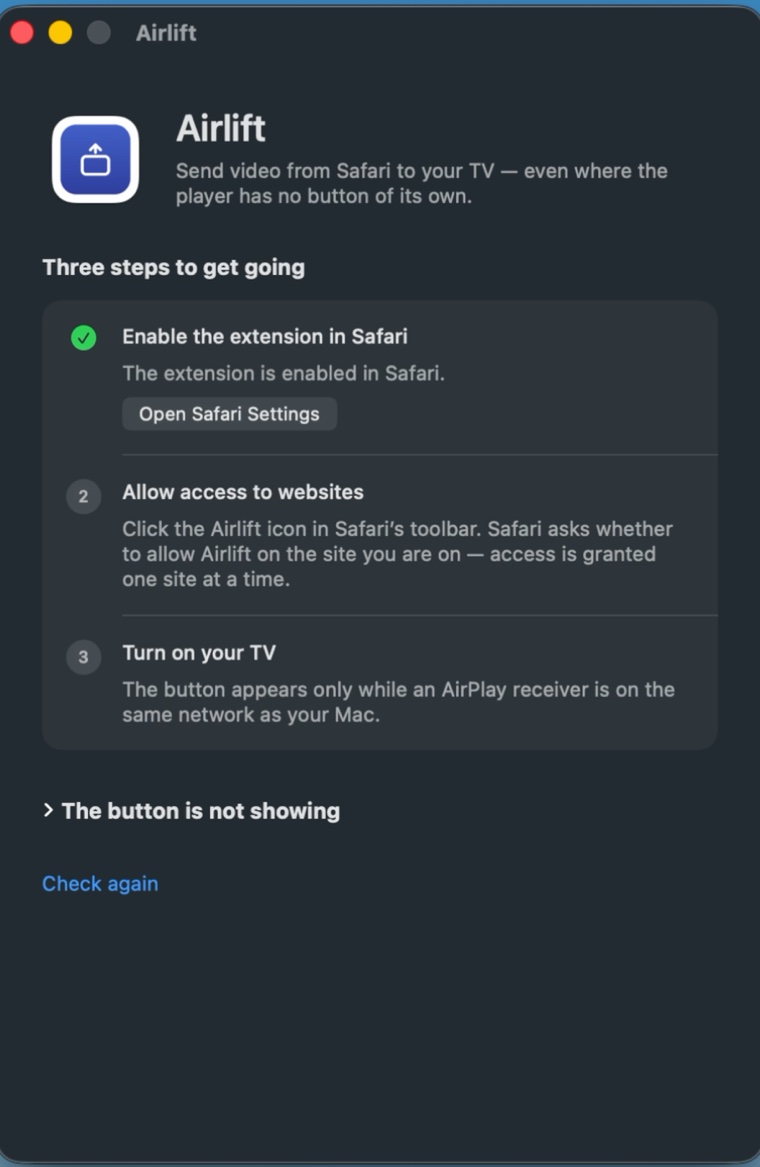
Install it from the Mac App Store and launch it once. The app window walks you through switching the extension on in Safari and allowing it on the sites you watch, and checks each step for you.