See what your camera sees. On your Apple Watch.
Mount the camera on a helmet, chest, tripod or car and check the framing right on your Watch. Press record, switch modes, keep the phone in your pocket.

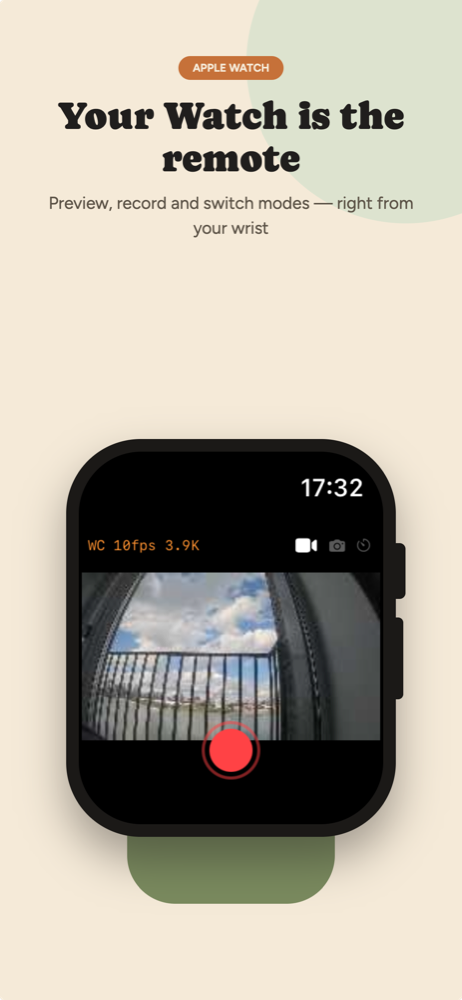
Viewfinder on your Apple Watch
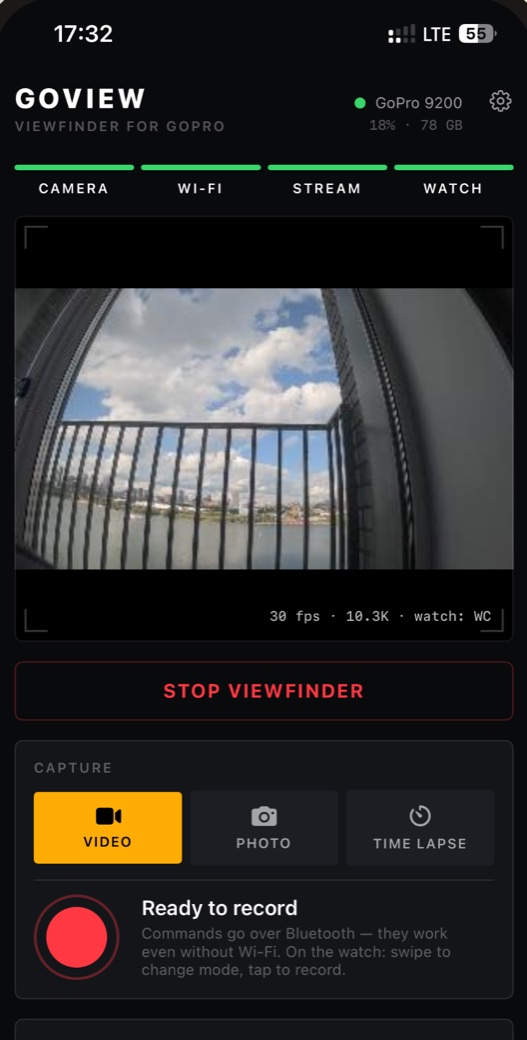
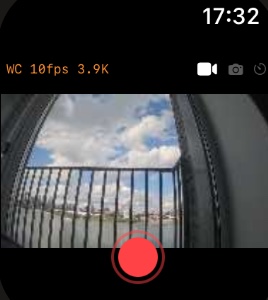
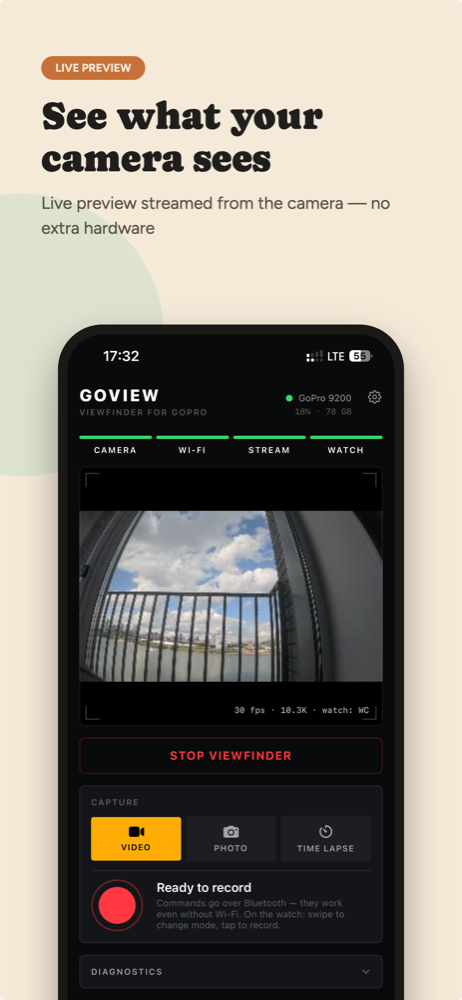
Live preview from the camera on the Watch screen, with a frame pipeline tuned for the Watch display. It works through your iPhone, so there is nothing extra to buy or carry.
Full camera control
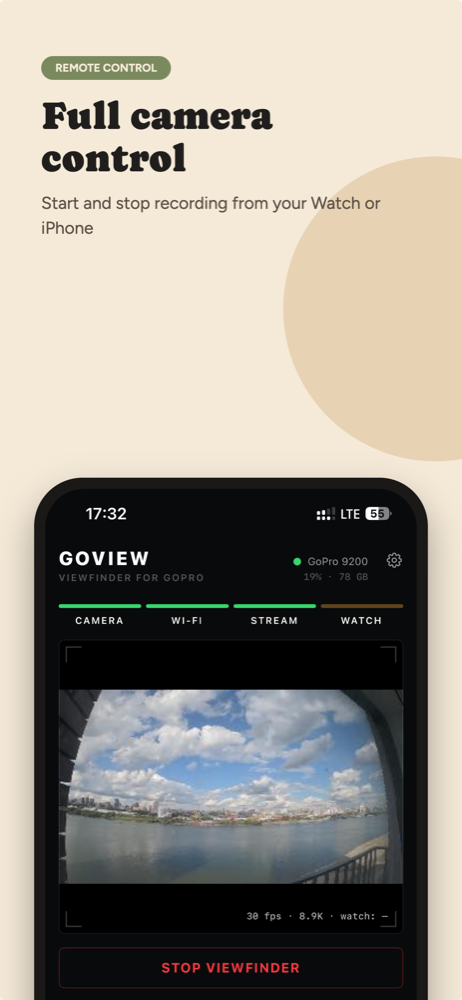
Start and stop recording from the Watch or the iPhone. Swipe between Video, Photo and Time Lapse. Commands go over Bluetooth, so they keep working even when Wi-Fi is down.
Setup in one tap
GoView finds the camera over Bluetooth, reads its Wi-Fi name and password from the camera itself and joins that network. No manual password entry. Battery and free storage stay in view.
Built like a tool
A dark, high-contrast interface for use outdoors. The connection pipeline is always visible: camera, Wi-Fi, stream, Watch. You can see which link is up and which is not.
GoView is a smart viewfinder, not a video monitor. The Watch gets a stream of JPEG frames that is fast enough to check the framing and catch the moment, but it is not broadcast-grade video and does not pretend to be.
GoPro
Accepts commands over Bluetooth and streams its preview over its own Wi-Fi access point, using the public Open GoPro API.
iPhone
Joins the camera’s Wi-Fi, decodes the stream with the hardware decoder, shrinks each frame for a small screen and passes it on.
Apple Watch
Shows the frames as a live viewfinder and sends record, stop and mode changes back through the iPhone to the camera.
While the viewfinder is running, the iPhone is connected to the camera’s network and has no internet. Tap Disconnect and it returns to its usual network.